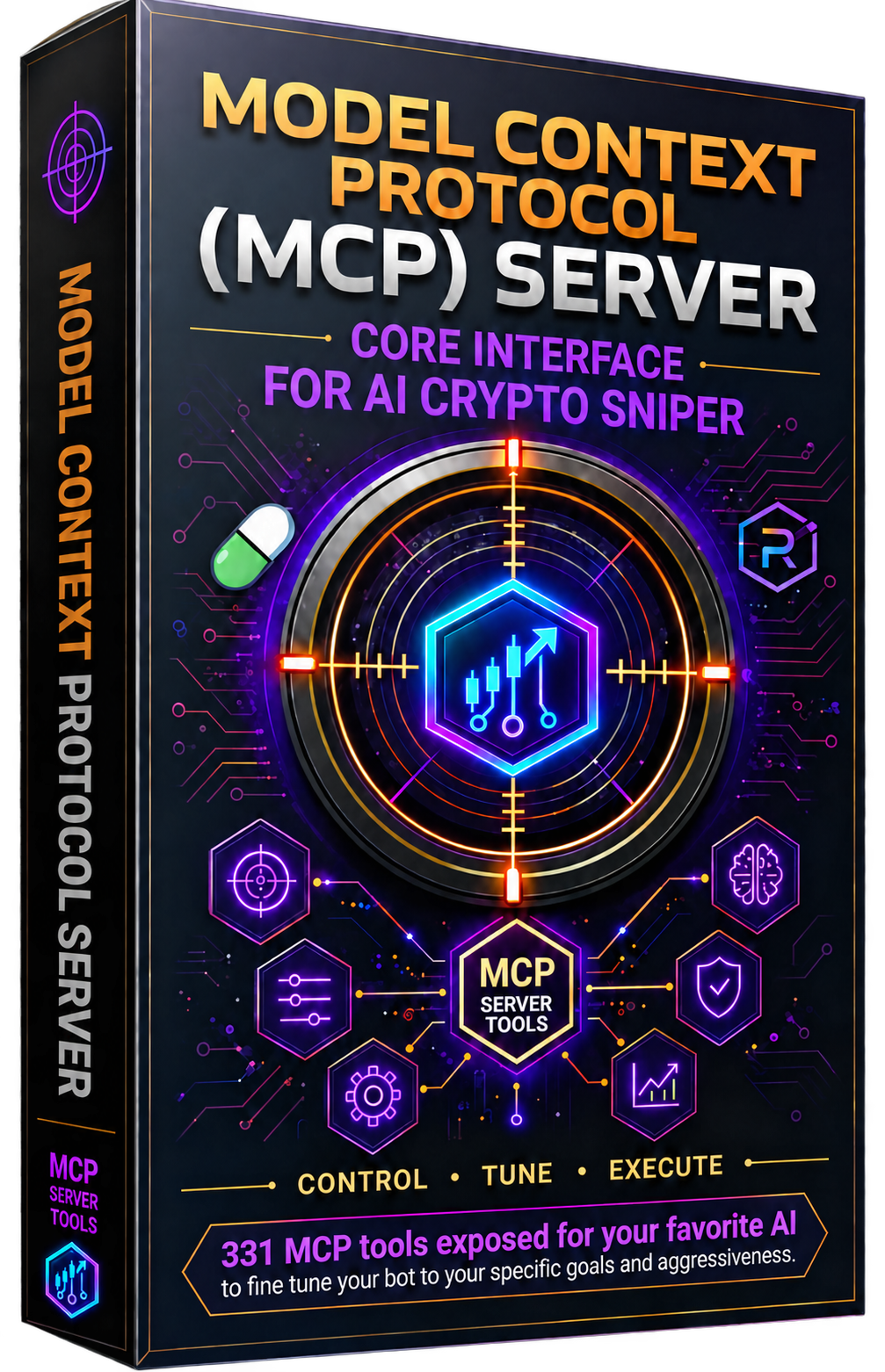
331 MCP tools that let Claude, Cursor, and Devin control every aspect of your AI Crypto Sniper V5.0.0 through natural language.
No credit card needed. Then: pip install ai-crypto-sniper-mcp

Three steps. No build tools. No configuration files to write by hand.
From PyPI:
Set the project directory so the MCP server can find your bot's state files.
Edit claude_desktop_config.json:
Edit .cursor/mcp.json:
Add to mcp_config.json:
The server uses stdio transport. Launch it with:
Ask your AI assistant:
Then try:
Great — now that you have the MCP server all set up, you need the Windows application it talks to.
CLICK HERE TO Get the AI Crypto Sniper 5.0.0 Application 168-hour free trial · No credit card requiredHow the MCP server talks to your bot.
ai_crypto_sniper_mcp/server.pyA standalone FastMCP server that:
config.json and all bot state files from AI_CRYPTO_SNIPER_DIRcommand_queue.json for the running bot to pollsnipe_bot.pyThe Windows bot that:
Grouped by category. Your AI can call any of these through natural language.
Download the app, install the MCP server, and get 168 hours of actual live trading time — that's a full week of real bot-running access. No credit card. No signup form. No payment information requested at any point during the trial. You get the same 100% full, unrestricted access as a paid license — every tool, every feature, every filter.
The authors of this application believe that after giving you such an ample and generous amount of time to use the program — a full week of unrestricted live trading — you will find it valuable. That's why the trial exists: we'd rather you experience the full product, risk-free, than take our word for it.
Real feedback from AI Crypto Sniper users
The MCP server is the whole reason I bought this bot. I connect it to Claude and just talk to my trading bot in plain English — "check my positions," "sell everything," "set my take-profit ladder to 30/50/80%." It just works. 331 tools, all controllable through natural language. I haven't opened the GUI in weeks.
I run the MCP server in Cursor while I'm coding and just ask it to manage my trades in the background. The practice mode let me test settings for days without burning a second of my 168-hour trial — the trial clock only ticks while you're live trading. By the time I went live, my AI had tuned everything and I was profitable immediately.
The perpetuals tools are incredible — long/short, leverage, funding rates, liquidation prices, signals — all queryable and configurable through the MCP. I ask my agent "what's my funding exposure?" and it pulls it instantly. The auto-exit strategy with trailing stops and rug detection has saved my positions more times than I can count.
The mirror trading through MCP is brilliant. I told my AI agent to load the default whale list and configure copy sizing based on my bankroll. It set everything up automatically. Now I just ask "how are my mirrored positions doing?" and get a full report. The RPC pool rotation means I never get rate-limited, even during meme season.
I was new to Solana and the 300+ settings sounded terrifying. But I just told my AI agent my bankroll and risk tolerance, asked it to fund my PlayMoney wallet with the same amount, and ran practice mode for four days. When I switched to real funds, I already had data-backed settings. The MCP server being free made it a no-brainer to try.
Non-custodial, Windows-native, AI-controlled — this is exactly what I wanted. My keys never leave my machine. The bot runs quietly in the background and I control everything through the MCP server with Devin. The 168-hour trial with full features, no credit card, and the free MCP server is the best onboarding I've seen in crypto tooling.
Download the Windows app, install the MCP server, and start trading through natural language. 168-hour free trial. No credit card required.
CLICK HERE TO Start Your free 168-hour trial Download the Required Application